Phrases & Clips
A clip or phrase is a bunch of parameters bundled together.
A Phrase is a bundle of one or more Parameters that create (or alter) a musical expression. It is useful as a coherent unit that can be moved, copied, edited and collected in libraries. Phrases are the building blocks that make Music Prototyping possible.
A Clip is a phrase placed in an arrangement. Its playback is limited to the length of the Container that encloses it. Its parameters repeat only until the end of the container. The phrase is literally "clipped" to the bounds of the container (hence the name). By resizing a container, you can determine how long a clip is supposed to play.
Phrases produce different output depending on the context in which they are used. Most phrases can be used in any Arrangement with any Harmony parameter to produce musically meaningful (and often surprising) results.
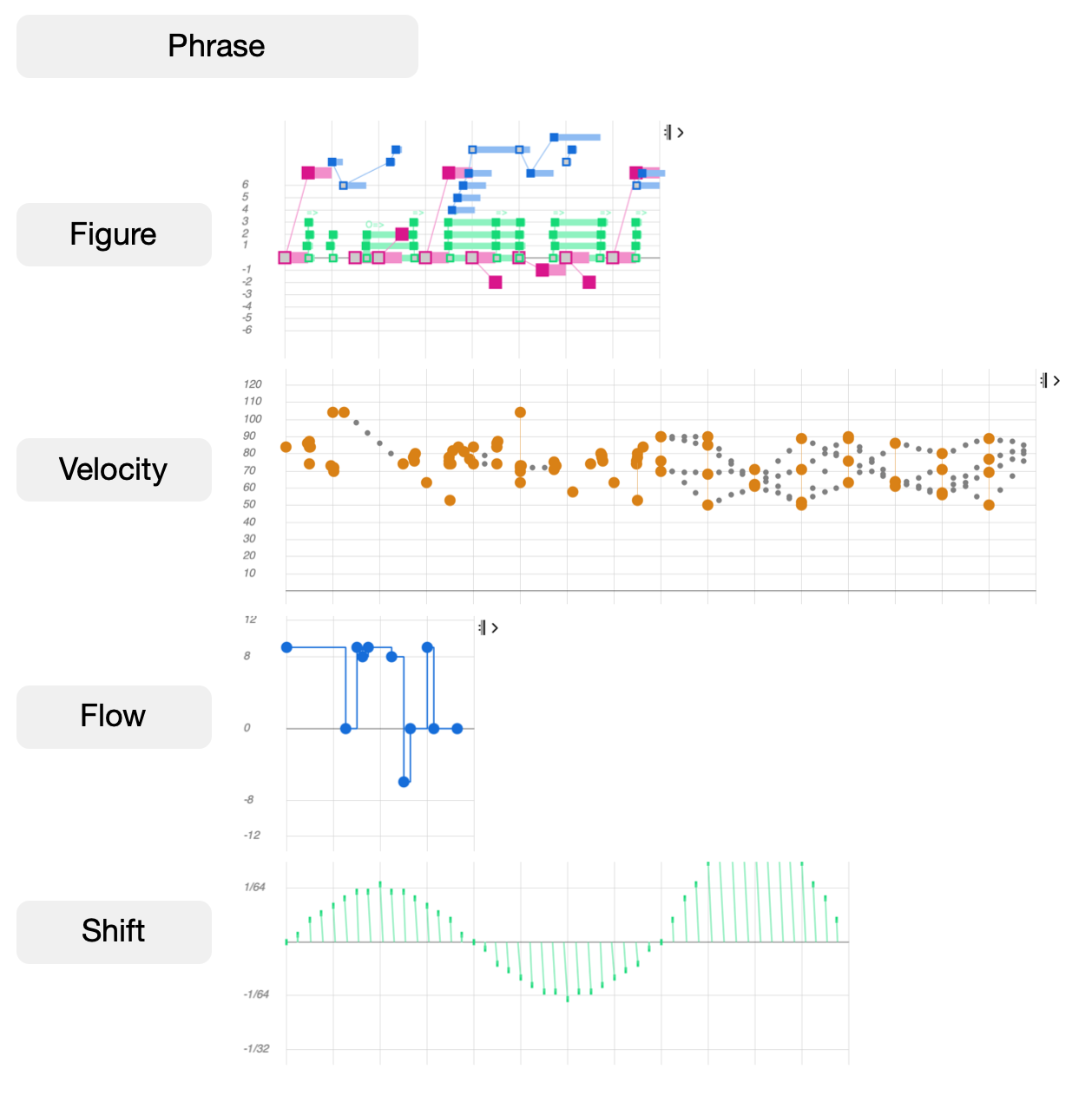
The most visible parameter Figure uses symbols that are relative to the Harmony parameter. Always keep in mind that without a harmonic context a figure can't produce audible pitches. Since almost every parameter influences MIDI output in some way, there is no way to tell in advance which MIDI notes a phrase will ultimately produce before all of an arrangement's Containers and parameters have been considered. That's why Synfire renders all of an arrangement from scratch every time you changed something.
Tracks
It is common to populate a container (e.g. "Verse", "Chorus", "Reprise", "String Section") with multiple clips – one for each instrument. These clips appear as separate objects on the Tracks page, which shows how the container structure ultimately builds a linear track per instrument for you.