Devices Page
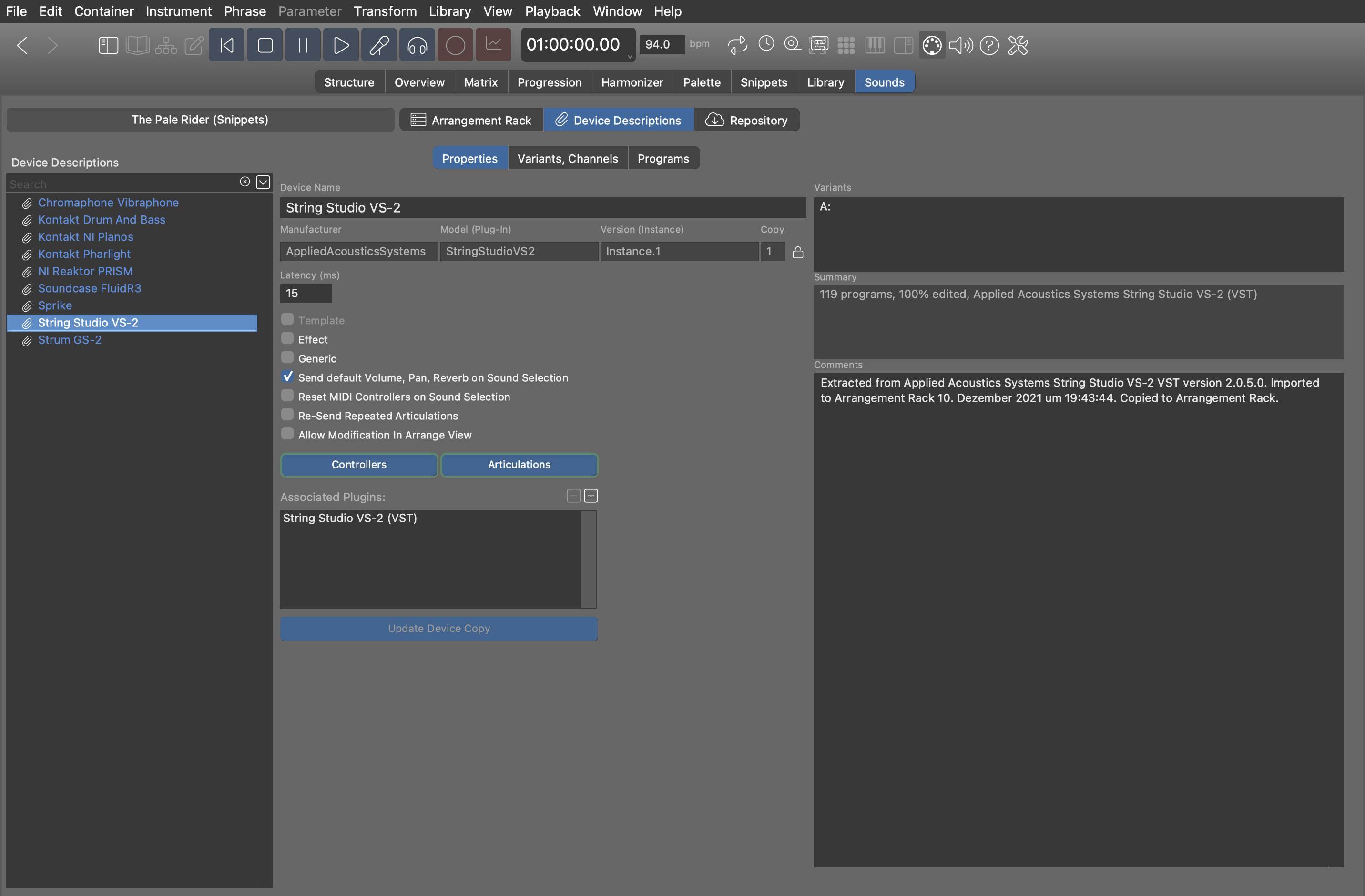
Under Sounds Device Descriptions you can browse and edit the Device Descriptions that were copied into the arrangement at the time you selected them for an instrument or rack module. The arrangement uses these descriptions so you don't have to configure individual instruments manually again and again.
These devices are owned by and saved with the Arrangement. If you want to use a description in other arrangements, you can copy them with .
The Audio/MIDI Setup window manages all global device descriptions that can be used by the Global Rack and copied into arrangements, sketches and libraries.
Saving Devices
Synfire automatically saves pending changes of all devices to disk. With the Audio/MIDI Setup window, you can also save a device manually with to a different place.